
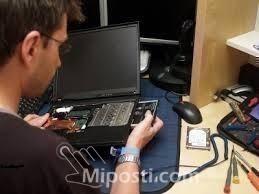
LAPTOP REPAIR VIDEO COLLECTION.
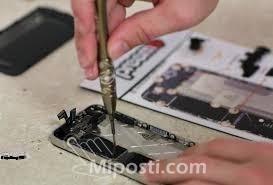
Learn on you own at your own pace with these step-by-step video tutorials on how to fix laptop.
Topics include:
- The Basics
- How to take apart the laptop
- Case Study Videos
The case study videos are the real-life jobs that came to the instructor’s shop (problems that people are having with their laptops and how to fix them).
They cover everything from:
- a) Power Jack repairs
- b) Motherboard replacement
- c) Replace keyboards
- d) Replace cracked screen
- e) CD-DVD Drives replacement
- f) Power problems
- g) Ribbon repair
- h) Removing and Testing a Hard Drive with KNOPPIX
- i) Won’t Boot-Up
- j) Replace LCD Cover
- k) Screen Back Cover replacement
- l) Touchpad Buttons not working
- m) Water Damaged laptop
- n) Checking DC Jacks
- o) Power Adaptor fix
- p) Testing Inverter and Screen
- q) Etc.
By the time you are done watching these videos, you will be confident to fix laptops and if you are doing it for business you can make good profit for doing it.
This is a complete video collection. Enjoy!!
Overview
- Tuition Type: English Medium
Related Ads